We Finally Have Fiber at Home
After years of cable upload speeds that embarrassed my homelab, T-Mobile Fiber reached my neighborhood. The install, the speeds, and what changed.
For years my homelab has had a dirty secret: it lived behind a cable connection with an upload speed that would have been unimpressive in 2012. Then a door hanger showed up announcing that T-Mobile Fiber was coming to my neighborhood, and I signed up before I even got back inside the house.
If you run a homelab, you already know why. Self-hosting, offsite backups, and remote access all live and die on upload, and upload is exactly the thing cable ISPs have ignored for two decades.
#Life before fiber: fast down, embarrassing up
My cable plan had a perfectly respectable download speed. Downloads were never the problem.
The problem was the upload, a tiny fraction of the download, shared with the whole neighborhood, and the first thing to fall over whenever anyone in the house got on a video call. DOCSIS was simply never designed to be symmetrical, and no amount of paying for a higher tier fixes that.
For a homelab, that asymmetry is brutal:
- Offsite backups ran overnight because pushing a big changed dataset during the day would flatten the connection for everyone else.
- Remote access to my services worked, technically, in the way that streaming video through a straw technically works.
- Sharing anything self-hosted with friends or family meant apologizing for load times on infrastructure that was plenty fast from inside the house.
I looked at 5G home internet as a stopgap at one point, and for a lot of people it’s genuinely fine. But CGNAT and a homelab do not get along, and I was not about to rebuild my remote access around tunnels just to escape cable.
#The install: one strand of glass and a very patient tech
T-Mobile Fiber is T-Mobile’s actual fiber-to-the-home service, separate from their 5G home internet product. It’s been expanding into new markets through 2024 and 2025, and my neighborhood finally made the list. Symmetrical speeds, no data caps, no annual contract.
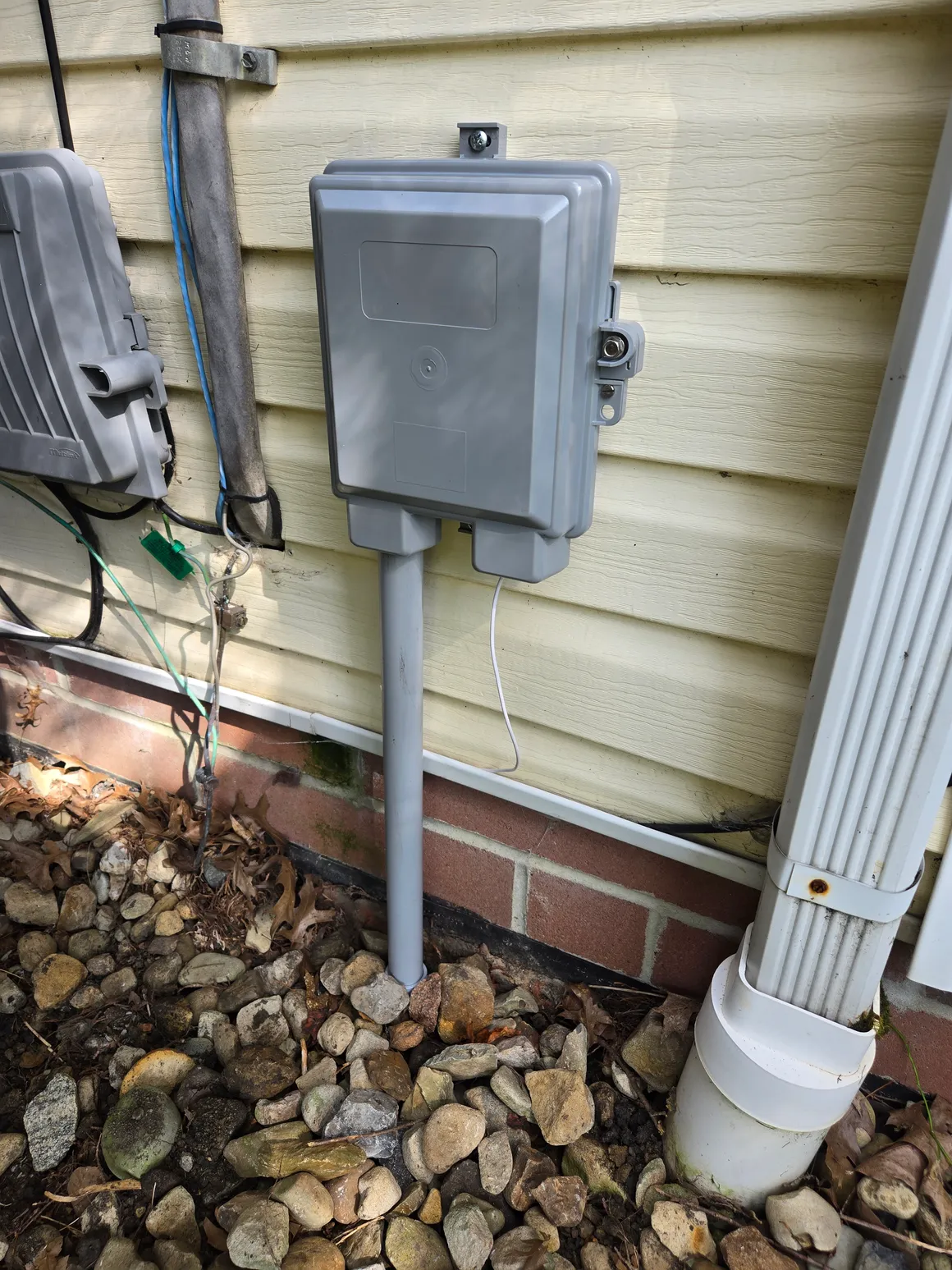
The install itself was more involved than a cable swap. A crew came out ahead of time to run fiber from the street to the side of the house, and then on install day a tech mounted the ONT, ran the drop inside, and lit everything up.
I hovered the entire time, obviously. The tech was patient about it, and even humored my questions about the splice enclosure. When your hobby is networking, watching someone fusion-splice a strand of glass to your house is a good morning.
Total time from “tech arrives” to “traffic flowing” was a couple of hours, and most of that was the physical run, not the provisioning.
#Symmetrical upload is the whole point
Here’s the part that actually changes things for a homelab. The download bump is nice, but I went from a cable-grade upload to an upload that matches my download. That is a different category of connection, not a faster version of the old one.
What that means in practice:
- Offsite backups stopped being an event. Backup jobs that used to be scheduled around the household’s usage now just run. A big restic or ZFS send that would have taken all night finishes before I’m done with coffee.
- Self-hosted services are usable from outside. Photo libraries, media, file sync, all of it now feels roughly the same remotely as it does on the LAN.
- Remote access is no longer a compromise. VPNing home and working against my own machines actually feels fine now.
- Video calls and lab traffic coexist. Nobody in the house can tell when a backup is running anymore. This alone bought me significant spousal goodwill.
Speed tests land right around the advertised number in both directions, with lower and more consistent latency than cable ever gave me. I’ll spare you the screenshot wall; you’ve seen a speed test before. The short version is that the connection now outruns some of the aging hardware behind it, which is a fun problem to have.
#Plugging fiber into an existing homelab network
I did not want the ISP’s gateway running my network, and I suspect nobody reading this does either.
The good news is the ONT hands off plain Ethernet, so my own router sits directly behind it doing what it always did: firewall, VLANs, DNS, the works. The ISP equipment’s only job is turning light into packets, which is exactly as much responsibility as I want it to have.
Swapping the WAN link over was the easy part. The more entertaining discovery was watching my internet connection go from “slowest link in the chain” to “faster than parts of my internal network.” When your WAN can saturate a gigabit port, every old switch and every cheap patch cable suddenly has nowhere to hide.
There’s one wrinkle: the ONT landed where the fiber enters the house, which is not where my rack lives. Getting a proper high-speed path from the entry point up to the lab is its own project, and it’s one I’ll write about separately once I’ve stopped drilling holes in things.
#Was it worth the wait?
Obviously yes, but here’s the honest summary:
- Symmetrical upload is the real upgrade. If you self-host anything, it matters far more than the headline download number.
- The install was painless, and the ONT-to-my-own-router handoff means zero compromise on how I run my network.
- Pricing came in around what I was already paying for cable, with no data cap and no contract, which made the decision roughly instant.
If T-Mobile Fiber, or any FTTH provider, is doing buildout in your area, get on the list early. Construction crews work the neighborhoods with signups first, and the difference for a homelab is not incremental. It’s the upgrade everything else in the rack was waiting on.