Microsoft is Betting Big on Local AI
I flew to Seattle for a Microsoft training on Windows AI Foundry, Phi Silica, and NPUs. Here is what on-device AI actually means for app developers.
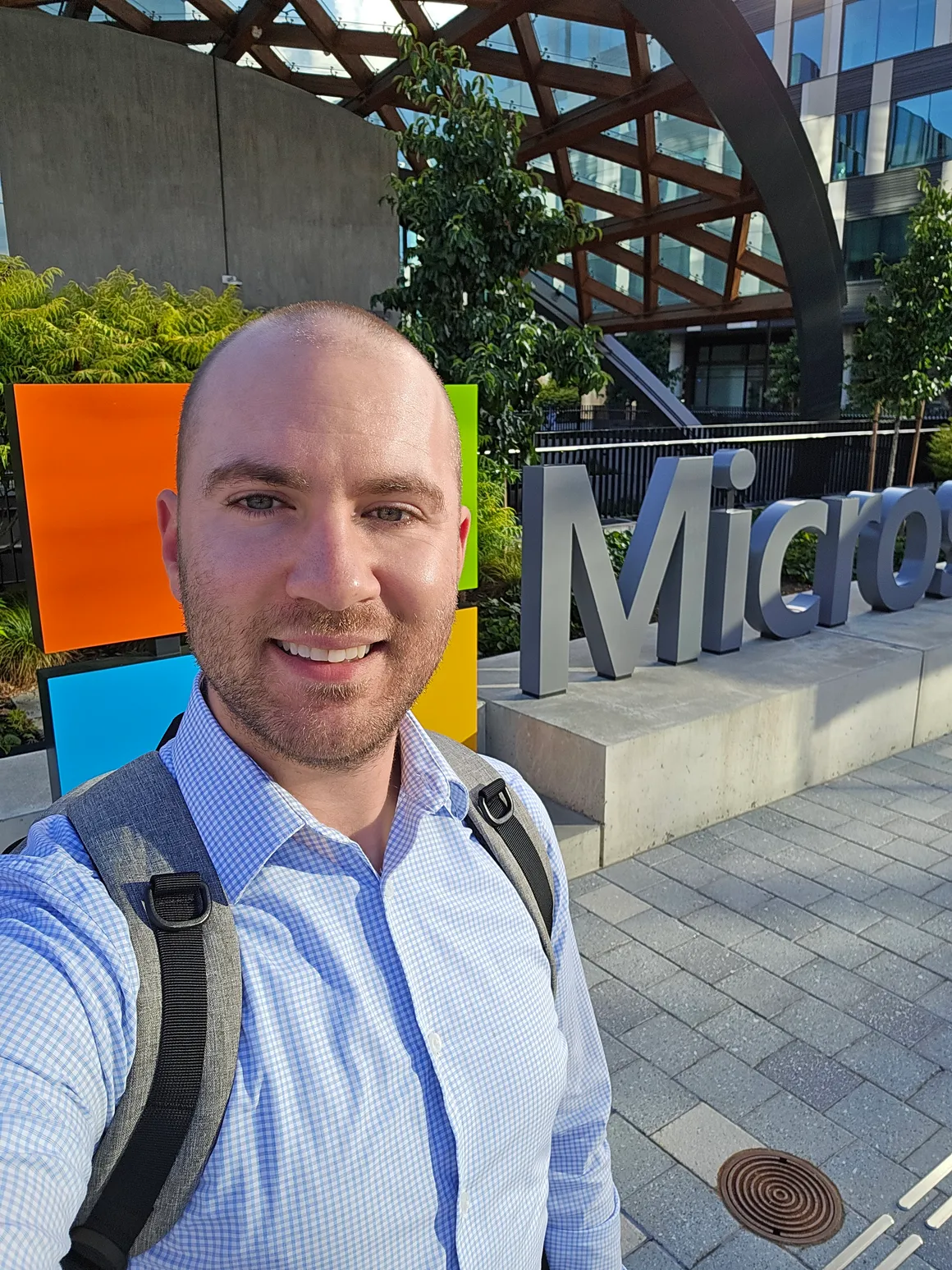
Last week I flew to Seattle for a Microsoft training event about integrating AI into Windows apps. I expected the usual pitch: here’s our cloud, here’s the API key, here’s the invoice. That’s not what I got.
Almost everything they showed us ran locally. Small language models on the laptop in front of you, inference on an NPU instead of someone else’s GPU farm, no network connection required. Microsoft is betting big on local AI, and after a few days of sessions and labs, I think the bet is more serious than most developers realize.
#Why local AI is suddenly worth caring about
For the last few years, “add AI to your app” has meant “call a cloud API.” That works, but the tradeoffs pile up fast:
- Privacy: Every prompt leaves the device. For anything touching customer data, health info, or internal documents, that’s a compliance conversation you’d rather not have.
- Latency: A round trip to a datacenter is fine for a chatbot, painful for anything interactive like live captioning or inline text suggestions.
- Cost: Per-token pricing is manageable in a demo and terrifying at scale. A feature that costs money every single time a user touches it changes how you design it.
- Offline: A plane, a hospital basement, a factory floor. Cloud-only AI features just die there.
Local inference flips all four. The model runs on hardware the user already paid for, the data never leaves the machine, and the marginal cost of one more inference is zero. The catch has always been that local models were too weak and the tooling was miserable. The event was essentially Microsoft arguing that both problems are now solved, or at least solvable.
#The hardware bet: NPUs and Copilot+ PCs
The foundation of the whole story is the NPU, a dedicated neural processing unit that now ships in Copilot+ PCs from Qualcomm, Intel, and AMD. Microsoft’s bar for the Copilot+ badge is 40+ TOPS of NPU performance, which is enough to run small language models and vision models continuously without spinning up the fans or draining the battery.
That last part matters more than the raw numbers. You can already run local models on a GPU, but a GPU at full tilt turns a laptop into a space heater with a two-hour battery. The NPU pitch is sustained, always-on inference at laptop power budgets. Background features like semantic search over your files, live translation, or image description only make sense on that kind of silicon.
The obvious weakness: this only works on new hardware. The install base of Copilot+ PCs in mid-2025 is a rounding error compared to the total Windows install base. Microsoft knows this, which is why the software story is designed to degrade gracefully. More on that below.
#What Microsoft is actually shipping: Windows AI Foundry
The developer platform is called Windows AI Foundry, which is the evolution of what was previously announced as the Windows Copilot Runtime. It has a few distinct layers, and keeping them straight took me most of day one:
- Windows AI APIs: High-level, ready-made APIs for common tasks. Text summarization, rewriting, image description, OCR, image super resolution. You call an API, the OS handles the model. You never download weights or think about quantization.
- Phi Silica: The small language model behind the text APIs. It’s a member of Microsoft’s Phi family, tuned specifically to run on the NPU. It ships with Windows on Copilot+ PCs, so every app shares one copy of the model instead of each app bundling its own multi-gigabyte blob.
- Foundry Local: A catalog and runtime for bringing your own open models (Phi, Mistral, Qwen, and friends) and running them on-device with a local API endpoint. Think of it as the escape hatch when the built-in APIs don’t fit.
- Windows ML: The low-level runtime, built on ONNX Runtime, for running your own ONNX models. This is the successor to the DirectML path, and the headline feature is that it picks the right execution provider (NPU, GPU, or CPU) for whatever hardware it lands on, without you shipping vendor-specific builds.
The layering is the part I like most. If you just want “summarize this text,” it’s a couple of lines of code. If you’re doing something weird, you can drop down a layer without leaving the platform.
Calling Phi Silica from a Windows app looks roughly like this:
using Microsoft.Windows.AI.Text;

var model = await LanguageModel.CreateAsync();
var result = await model.GenerateResponseAsync(
    "Summarize this support ticket in two sentences: ...");

Console.WriteLine(result.Text);
No API key, no endpoint URL, no billing meter running. That’s a genuinely different mental model from every AI integration I’ve done in the last two years, and it took a lab exercise for it to fully click.
#The developer story, honestly assessed
The good news first. The high-level APIs are legitimately easy. In the hands-on labs, getting summarization and OCR working in a sample app took minutes, not hours. The “OS manages the model” design solves real problems: shared models mean no redundant downloads, and Microsoft updating Phi Silica means your app gets better without you shipping anything.
Windows ML also impressed me more than I expected. Anyone who has dealt with shipping ONNX models across NVIDIA, AMD, Intel, and Qualcomm hardware knows the execution provider matrix is where dreams go to die. Having the OS own that problem is the right call.
Now the caveats, because there are several.
The hardware fragmentation is real. The best APIs require a Copilot+ PC. Your actual users are mostly on machines without an NPU, so every local AI feature needs a fallback plan: degrade to CPU, fall back to cloud, or hide the feature. The platform gives you the detection tools, but the branching logic is your problem.
Small models are small. Phi Silica is impressive for its size, but it is not a frontier model and nobody at the event pretended otherwise. It’s great at summarization, rewriting, extraction, and classification. It is not going to write your code or reason through a complex multi-step problem. The honest framing I took away: local for the fast, frequent, private tasks, cloud for the heavy ones, and a hybrid architecture that routes between them.
The naming churn is exhausting. Windows Copilot Runtime became Windows AI Foundry. DirectML is fading in favor of Windows ML, which itself is a reboot of an older Windows ML. If you’re researching this stuff, half the blog posts you’ll find describe APIs that have since been renamed. Microsoft gonna Microsoft.
#Practical takeaways if you build apps
If I had to compress the week into advice for other developers:
- Audit your features for local candidates. Anything that is high-frequency, latency-sensitive, or privacy-sensitive is a candidate: summarizing, rewriting, OCR, search, classification. These are exactly the tasks small models are good at, and moving them local removes both the latency and the per-call cost.
- Design hybrid from day one. Don’t build “local AI features” and “cloud AI features” as separate things. Build capabilities with a routing layer, so the same feature can run on the NPU where available and fall back elsewhere. Retrofitting this later will hurt.
- Prototype the free tier of intelligence. Once inference is free, features that were economically absurd become reasonable. Summarize every notification. Classify every file. Nobody would pay cloud prices for that, but at zero marginal cost, it’s just software.
- Watch the hardware curve, not the current install base. NPUs are becoming a default component the same way GPUs did. Building for them today is early, but not that early.
#Was the trip worth it?
Yes, and not just because Seattle in August is genuinely pleasant.
The thing I keep chewing on since flying home is the cost point. Every AI feature I’ve shipped or scoped in the past two years has had a meter attached to it, and that meter quietly shaped every design decision. Local inference removes the meter. That changes what’s worth building, and I don’t think most of us have internalized that yet.
Microsoft’s execution has the usual rough edges: rebrands, hardware requirements, docs lagging the platform. But the direction is right, and they’re further along than I expected. If you build for Windows, the Windows AI Foundry docs are worth an afternoon of your time. Grab a sample app, run a model on your own laptop, and see how it feels when the inference is free.